Costco Travel Cruises: What You Get Before You Book

Costco puts a Shop Card on every cruise but will not tell you the amount up front. What's confirmed and what isn't, verified 19 July 2026.
Advertisement
Costco Travel sells cruises on 12 lines and puts a Digital Costco Shop Card on every sailing. The catch: Costco does not tell you the card's value up front. Its own wording is that the amount "will be calculated during the booking process." We verified this logged out on 1 July 2026.
That single gap explains most of the confusion around booking a cruise through Costco. People are told there is a rebate, they cannot see how big it is, so they rely on blog posts guessing at percentages. Several of those guesses are wrong, and we can show you exactly where.
This guide is built from Costco's own terms, help pages and live booking funnel, all read on 19 July 2026. Every number below links to the page it came from. Where Costco does not publish something, we say that instead of filling the gap. For sailings and routes outside the US, see our other cruise guides.
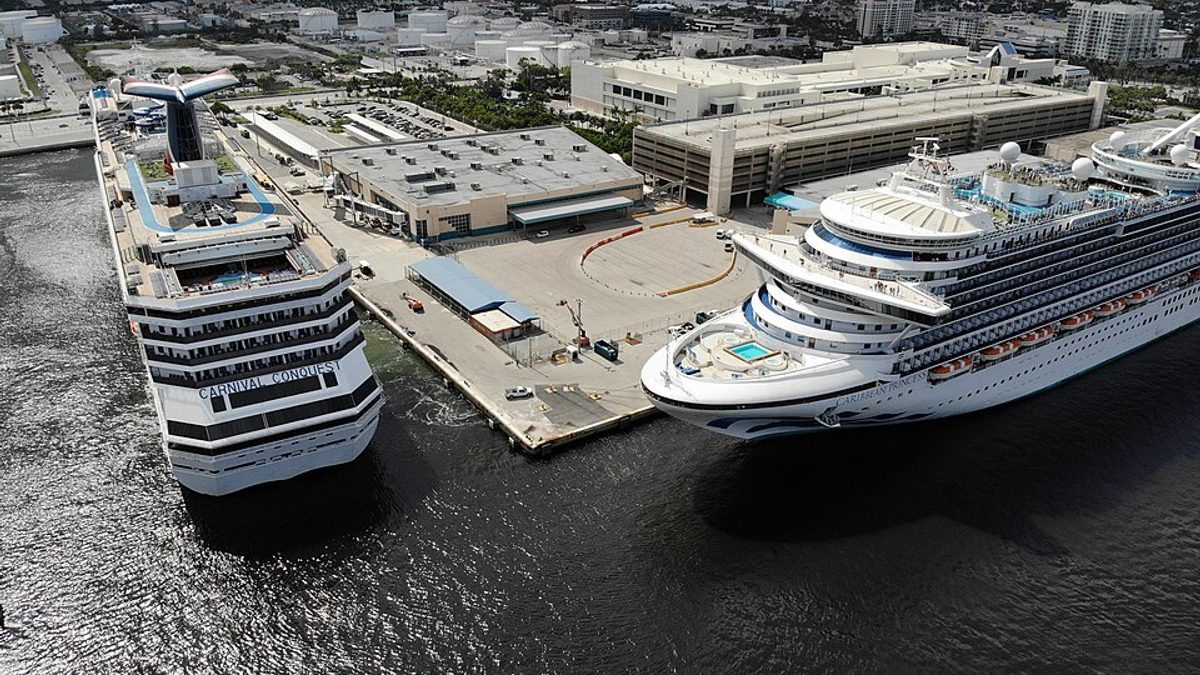
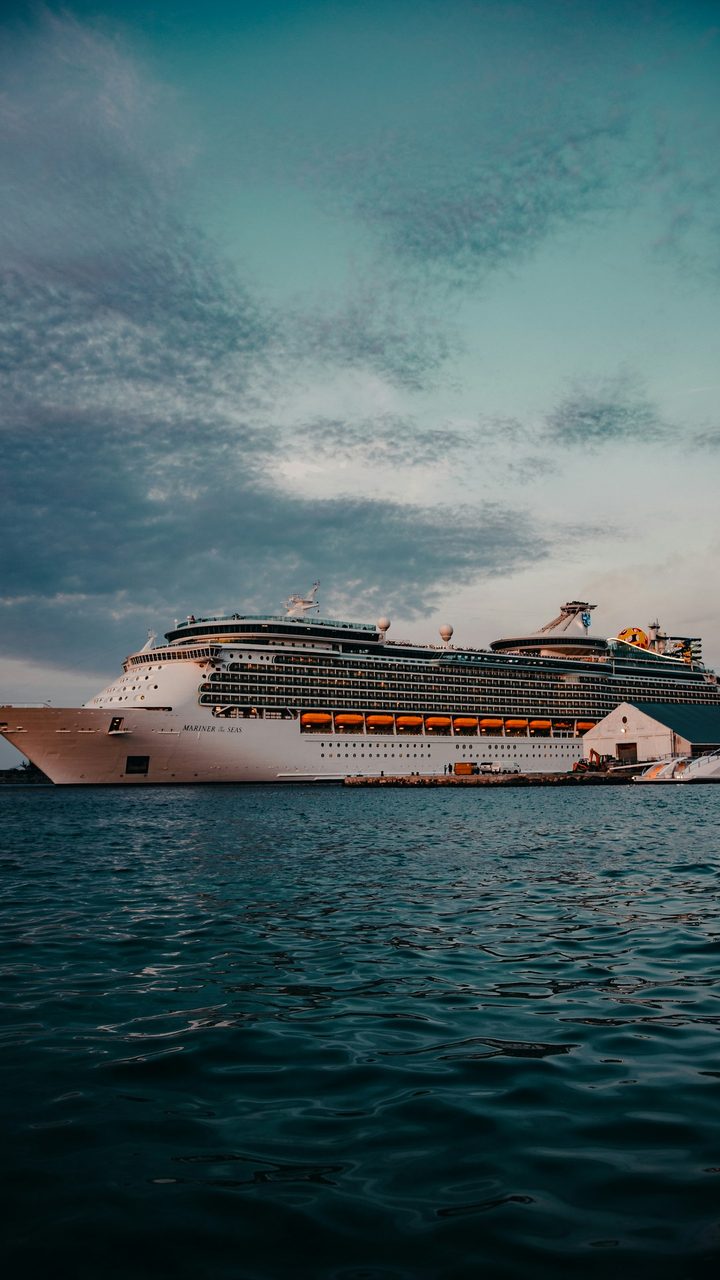
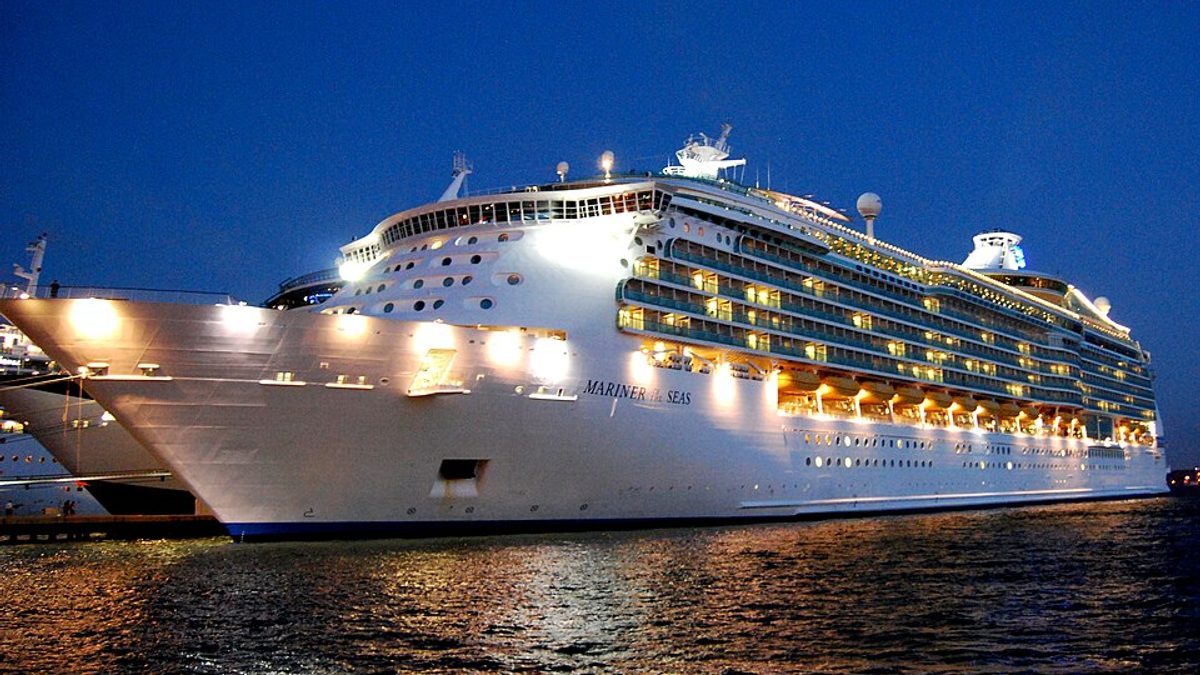
Costco Travel resells sailings from 12 cruise lines. It does not operate any ship itself.
Do I need a Costco membership to book a cruise?
Yes, the person booking must be a Costco member. Costco Travel states it "sells exclusively to Costco members who reside in the United States." You do not need a separate Costco Travel account, though. Costco says you may book "by providing your valid membership number and last name."
The people actually sailing do not have to be members. Costco confirms a member can book a cruise or vacation package for someone else whether that person is a member or not. Plenty of articles state the opposite.
One thing nobody publishes: whether Business members can book. Every official page says only "Costco members" without naming tiers. We are not going to guess at it. If you hold a Business membership, call and ask before you plan around it.
Can you see Costco cruise prices without logging in?
Yes. A logged-out search for November 2026 returned 661 sailings with full per-stateroom pricing visible, taxes and fees included. We advanced through the booking funnel to the passenger details step without ever signing in. Costco's own help pages and most published guides say otherwise, verified 19 July 2026.
We believed the opposite ourselves until we tested it, and an earlier version of this page repeated it.
On one Carnival sailing out of Miami the logged-out page showed Inside $172, Ocean View $237, Balcony $312 and Suite $711, with a line reading "Includes taxes and fees of $99.00 per person." We advanced through the booking funnel to the passenger details step without ever signing in.
So you can price-shop Costco against the cruise line directly, right now, with no membership. That matters, because it means you can do the comparison before you decide whether the membership is worth buying.
When will I get my Costco Shop Card after a cruise?
Costco emails the Digital Costco Shop Card "approximately 10 days after the start of your vacation or cruise." It arrives from costco@digitalshopcard.costco.com. Note the wording carefully: 10 days after your cruise starts, not after it ends.
On a 7-night sailing that means the card can land in your inbox while you are still at sea, or a couple of days after you get home. Several widely-read pages describe it as a reward you get once you finish the trip. That is not what Costco says.
The card is "only valid for completed travel," and Costco limits it to "one Digital Costco Shop Card offer per room." If you booked two cabins, that is two cards. If four of you share one cabin, that is one card.
Why the amount is not shown before you book
Costco shows only the words "Digital Costco Shop Card" in the Included Extras block, with no dollar figure, on both search results and individual cruise detail pages. Its Kirkland Signature pages say the exact amount "will be calculated during the booking process."
This is not a technical limitation. The same logged-out page happily calculated and displayed "Earn approximately $3.44 towards your Executive Member 2% Reward" for that sailing. Costco can show computed member values before login. It chooses not to show this one.
Costco's terms say the figure "will appear in the 'Included Extras' section of your invoice." So the confirmed number reaches you late in the process. Whether logging in reveals it earlier we could not test without a live membership number, and we are not going to assume.
You will find blog posts quoting Shop Card values as a percentage of fare. That figure appears on no official Costco page we could find. Treat any specific number you see, including ours if we ever print one, as unverified unless it links to Costco.
Costco Shop Card vs onboard credit: what is the difference?
They are two separate benefits and Costco treats them differently. The Shop Card is warehouse credit, emailed about 10 days after your cruise starts, with the amount withheld until booking. Onboard credit is money to spend on the ship, and Costco does publish those amounts in advance.
That difference matters when you are comparing sailings. Costco runs named promotions with fixed, published onboard credit values, such as a $100 shipboard credit per stateroom on select Asia, Australia and New Zealand sailings booked in February 2026. Kirkland Signature sailings have carried larger bundles, including one Celebrity Edge offer with a $330 Costco Shop Card and $300 shipboard credit.
So the answer to "can I see what I am getting before I book" depends on which benefit you mean. For a promoted sailing, often yes. For the Shop Card on an ordinary sailing, no. If a specific number matters to your decision, sort by the promoted sailings, because those are the ones where Costco commits to a figure in public.
One practical difference at the end of the trip: the Shop Card arrives by email and holds its value until you spend it at a warehouse, while onboard credit has to be used on the ship. Whether any unused balance is refunded is set by the cruise line, not by Costco, so check your line's terms before you count on it.
Where can you use a Costco Shop Card?
Warehouses in the US, Canada and Puerto Rico, plus Costco.com, plus Costco Travel vacation packages. Costco names three places it does not work: "Digital Costco Shop Cards are not accepted at Gas Stations, Car Wash or Food Court Kiosks."
The gas station exclusion catches people out, because filling a tank is the most obvious way to burn a $200 card quickly. It does not work there.
Two more restrictions that cost real money:
You cannot spend it on another cruise. Costco excludes "payment of cruises, rental cars, hotel (room-only) reservations" from Shop Card use. So it is not a rolling cruise discount, it is warehouse credit.
Do not add it to your Costco Wallet. Costco states that if a Shop Card "is added to the Costco Wallet it can't be used for purchases with Costco Travel." That is a one-way door.
One card holds a maximum of $2,000, and you can swap a digital card for a physical one of the same value at your local warehouse.
Advertisement
What is the difference between booking with the cruise line or Costco Travel?
The fare is usually the same. What changes is who holds your booking, what extras you get, and how much friction there is when something needs changing. Here is the honest split, with everything sourced from Costco's own terms.
Point | Costco Travel | Cruise line direct |
|---|---|---|
Digital Costco Shop Card | Yes, on every sailing, amount not shown until invoice | No |
Executive 2% reward | Yes, on the fare, paid after travel | No |
Price shown | Includes taxes, fees and port expenses for everyone in the stateroom | Often added later in checkout |
Payment methods | Visa and Mastercard only | Usually more options |
Changing your booking | Through Costco, some changes need a phone call | Direct with the line |
Cancellation processing | Up to 72 hours, penalties set on the completion date | Usually immediate |
Courtesy hold on a cabin | No, deposit or full payment required | Commonly available |
Cancellation fees | Cruise line's terms, Costco adds none of its own | Cruise line's terms |
Published price-match guarantee | None that we could find | Varies by line |
The Visa and Mastercard restriction is real and under-reported. Costco's terms say those "are the only acceptable forms of payment accepted at Costco Travel for cruise or vacation package bookings." If your cruise budget was going on an Amex for the points, that plan does not work here. The Costco Anywhere Visa is accepted, and it is Costco's own travel-earning card, so that is the obvious substitute if you were booking for the points.
Do you still earn cruise line loyalty points?
You can enter your cruise line loyalty or past passenger number during the Costco booking flow, and your past-guest status is recognised onboard. Costco's terms do exclude hotel loyalty benefits on package stays, but that clause is specifically about hotels. Do not read it as applying to cruise loyalty tiers.
How much is the Executive Member 2% reward on a cruise?
Roughly 2% of the cruise fare, capped at $1,250 across any 12-month period, paid after you travel. Costco requires you to "be an Executive Member when travel starts," and the reward arrives in your Renewal Statement about three months before your renewal date.
Costco's current terms put it plainly: the reward "is capped at and will not exceed $1,250 for any 12-month period." Several travel guides still print $1,000, which was the older figure.
The exclusions matter more than the cap for most people. Costco excludes "taxes, fees, surcharges, gratuities, trip protection... port charges, resort and cruise line fees and similar extras." On a cruise, port charges and taxes are a large slice of the total, so 2% of your fare is a good deal less than 2% of what you pay.
Here is something we noticed and cannot resolve. On that $172 Carnival sailing, which "Includes taxes and fees of $99.00 per person," Costco's own page displayed a reward of "approximately $3.44." That is exactly 2% of $172, the full price, not 2% of the $73 left after the excluded taxes and fees. Costco's displayed estimate and Costco's stated exclusions do not appear to agree. We are reporting both rather than picking one.
One more restriction: Executive benefits are "valid for the primary cardholder only." And from 4 June 2026, excursions booked through Costco's new Viator partnership do not count toward the 2% reward at all.
How do I cancel or change a Costco cruise booking?
Cancel online from your Costco Travel account if a cancel link is showing, or submit the Cruise Cancellation Request Form if it is not. The part that costs people money: "Requests take up to 72 hours to process," and "penalties are based on the date of cancellation completion, not the date of submission."
Read that twice if you are cancelling near a penalty deadline. Submitting your request the day before the fee tier changes does not protect you. If Costco completes it three days later, you are in the higher tier.
Costco does not add fees of its own. It states it "doesn't charge additional cancellation fees beyond those the cruise line vendor specified." The penalties are the cruise line's.
This is the moment cover earns its keep, and cruise line policies leave more uncovered than most people expect. Our guide to the best travel insurance for cruises goes through what the lines' own protection plans exclude.
Which changes need a phone call
Some changes go through an online form, some do not. Costco routes these to a phone agent:
Name changes
Cabin upgrades
Date of birth corrections
Applying a new promotional offer
Changing the ship or the sail date
The Cruise Change Request Form covers the lighter stuff: medical and special requests, insurance, transfers, gratuities, bedding, cabin number and dining preferences.
If your cruise price drops after booking, Costco tells you to call "to review prices and eligibility restrictions." But its terms also warn that "the cruise lines do not allow any rate reductions once penalties commence or once your cruise is paid in full." So the window for a price adjustment closes at final payment.
Which cruise lines does Costco Travel sell?
Twelve: Azamara, Carnival, Celebrity, Cunard, Disney, Holland America, Norwegian, Princess, Regent Seven Seas, Royal Caribbean, Seabourn and Uniworld. Viking, MSC, Oceania and Virgin Voyages are absent, checked against Costco's Cruise Line Passenger Contracts on 19 July 2026.
Azamara Cruises
Carnival Cruise Line
Celebrity Cruises
Cunard
Disney Cruise Line
Holland America Line
Norwegian Cruise Line
Princess Cruises
Regent Seven Seas Cruises
Royal Caribbean
Seabourn
Uniworld Boutique River Cruises
Advertisement
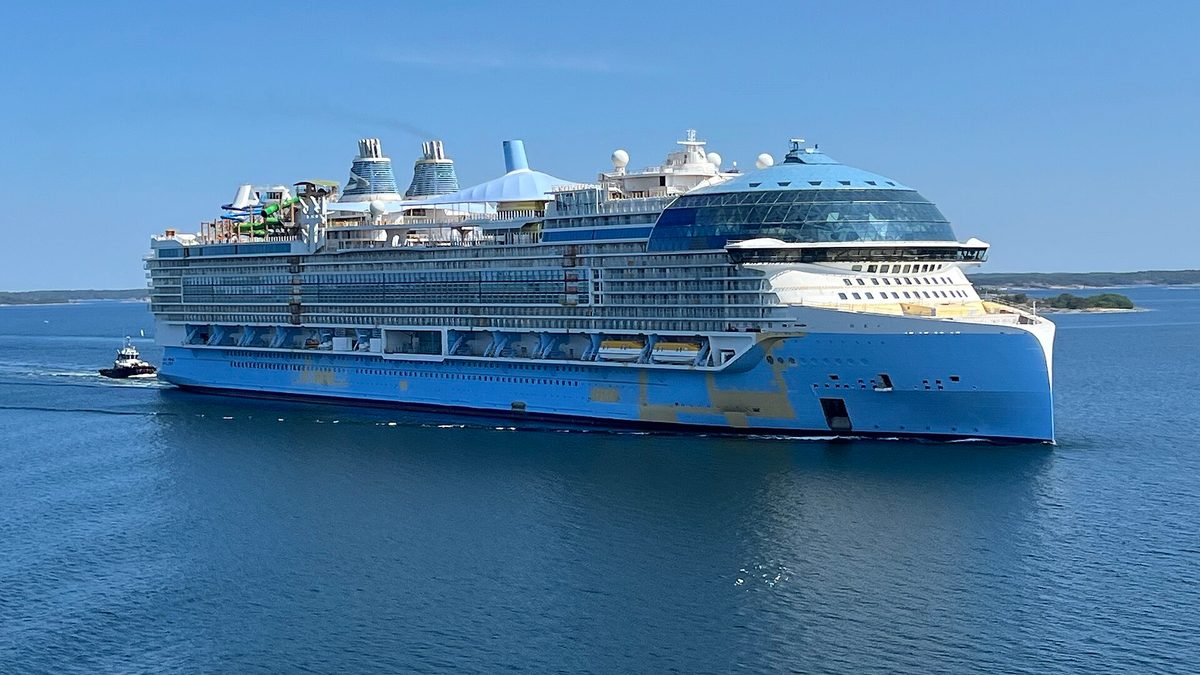
Carnival had by far the deepest inventory when we checked, at 136 sailings for November 2026 alone, ahead of Disney and Celebrity. If you are still picking a ship rather than a seller, our comparison of Utopia and Icon of the Seas covers cabins, crowds and cost on two of Royal Caribbean's biggest.
The absences are as useful as the list. Viking, MSC, Oceania, Virgin Voyages and Silversea are not on it. If you have your heart set on one of those, Costco is not a booking option and no amount of Shop Card makes up for it.
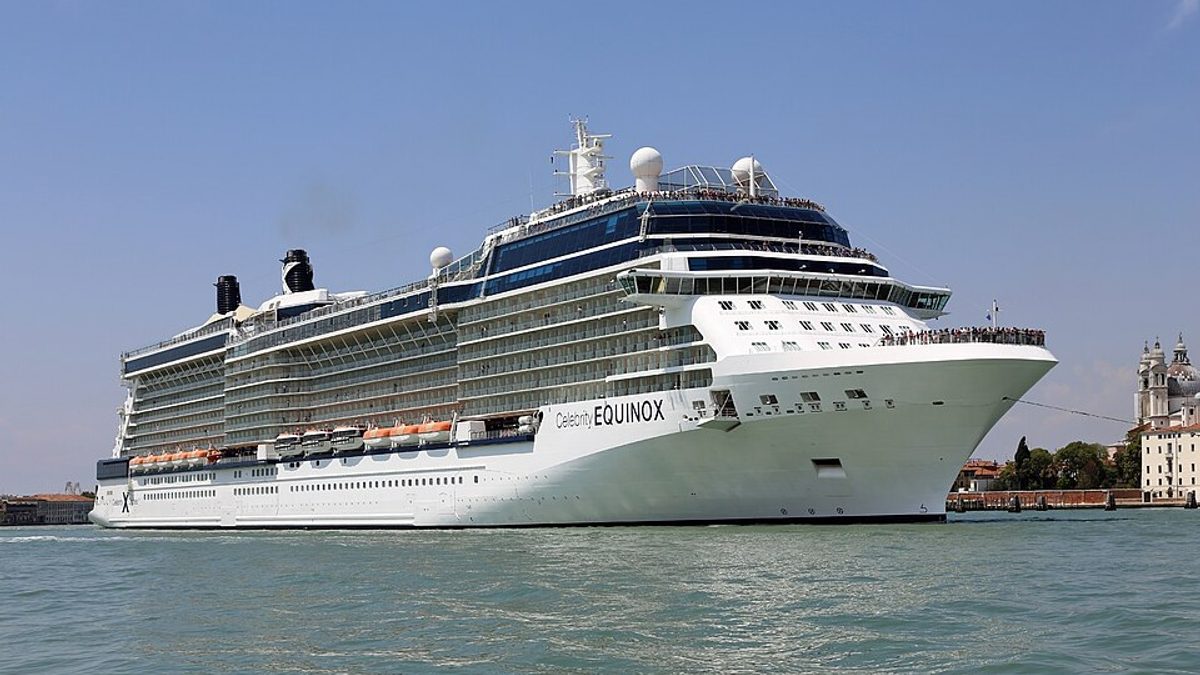
Celebrity Equinox off Key West. Celebrity is one of the 12 lines Costco Travel carries.
How to book a Costco cruise, step by step
Price the sailing logged out first, compare the total against the cruise line's own checkout, then book with a Visa or Mastercard. Enter your loyalty number during booking, check the invoice for your Shop Card amount, and note the final payment date. Eight steps in order:
Search logged out first. Pull up your dates and ship on Costco Travel with no login, then open the cruise line's own site in another tab and price the same cabin category. You are checking whether the fares match.
Compare the total, not the headline. Costco's price "includes taxes, fees, and port expenses for all passengers in the stateroom." The cruise line may add those at checkout. Take both to the final screen before judging.
Decide on the membership. If the fares match, the Shop Card and the 2% are your entire upside, and you cannot see the Shop Card amount yet. Weigh that against the membership fee, which you should check on Costco's own membership page since it changes.
Have a Visa or Mastercard ready. Nothing else is accepted, and there are no courtesy holds. A deposit or full payment is required to lock the cabin.
Enter your loyalty number during booking. There is a field for your cruise line loyalty or past passenger number at the passenger details step. Adding it later is more work.
Check your invoice for the Shop Card figure. This is your first sight of the amount, in the "Included Extras" section. If it is smaller than you expected, this is when you find out.
Note your final payment date. Costco says full payment falls "between 90 and 160 days prior to sailing, depending on the cruise line." Price adjustments stop being possible after it.
Put a reminder 4 days before any cancellation deadline. Because of the 72-hour processing rule, submitting on the deadline itself is submitting late.
Is Costco Travel worth it for cruises?
Worth it if you already hold the membership and the fare matches, because the Shop Card and the 2% are free additions to a purchase you were making anyway. Not worth buying a membership for on its own. Four claims to ignore while you decide, each contradicted by Costco's own site:
Commonly repeated | What Costco actually says |
|---|---|
The Executive 2% reward is capped at $1,000 a year | "capped at and will not exceed $1,250 for any 12-month period" |
The Shop Card works at Costco gas stations and food courts | "not accepted at Gas Stations, Car Wash or Food Court Kiosks" |
You get the Shop Card after you finish the trip | Emailed "approximately 10 days after the start of your vacation or cruise" |
You need a membership even to see cruise prices | Full pricing is visible logged out, verified 19 July 2026 |
We include the fourth one because we got it wrong ourselves before testing it, and an earlier version of this page repeated it.
Should you book your cruise through Costco?
If you already hold a Costco membership and the fare matches, yes. The Shop Card is free money on a purchase you were making anyway, and the 2% on top is real if you are an Executive member.
If you are considering buying a membership specifically for this, we would not. You cannot see the Shop Card amount before committing, which means you are being asked to pay a membership fee for a benefit of undisclosed size. That is a bad trade on principle, whatever the number turns out to be.
Skip Costco entirely if any of these apply to you: you want to sail a line Costco does not carry, you need to pay with anything other than Visa or Mastercard, you want a courtesy hold while you decide, or you are the kind of traveller who tinkers with a booking repeatedly. That last one is the real cost. Every change goes through a form or a phone queue, and cancellations run on a 72-hour clock that can push you into a worse penalty tier.
The one thing worth doing before you book either way: price the same cabin on both sites, all the way to the final screen.
Sources
Costco Travel Terms and Conditions, read 19 July 2026
About Costco Travel, read 19 July 2026
Digital Costco Shop Card, read 19 July 2026
Cruise Changes and Cancellation, read 19 July 2026
Cruise Pricing Details, read 19 July 2026
Cruise Bookings, read 19 July 2026
Executive Membership 2% Reward terms, read 19 July 2026
The Points Guy, on booking a Costco cruise, independent corroboration on fare parity
Prices and policies change. Confirm on Costco Travel's own site before you book.
This is a research-based guide built from Costco's official terms, help pages and live logged-out booking funnel, all read on 19 July 2026. We have not sailed a cruise booked through Costco Travel ourselves, and we hold no Costco membership, which is why the Shop Card amount is reported as unpublished rather than estimated.
Topics
Frequently asked questions
Advertisement